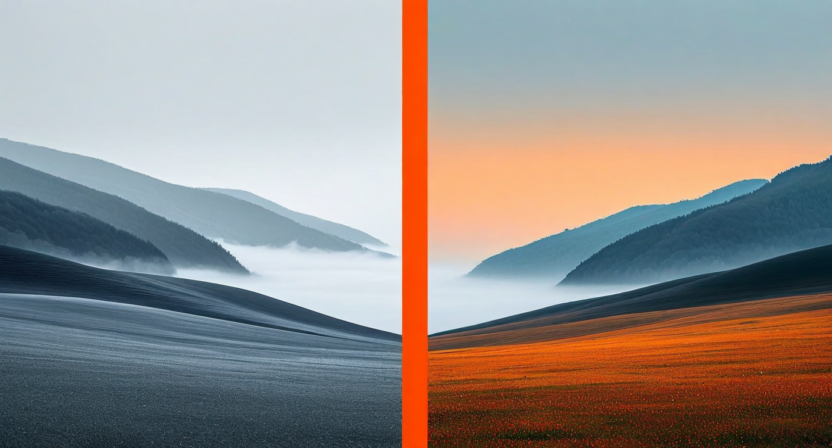
When Marcus Webb, lead photographer at Luminary Creative Studio in Chicago, first tried Quickture's AI color grading pipeline, he was skeptical. His team had spent years perfecting their manual Lightroom workflow. Why would they trust an algorithm to capture the subtle warmth of golden-hour skin tones or the cold precision of their product photography?
Six months later, Marcus is a convert — and his team has reclaimed more than 12 hours per week they used to spend hunched over color sliders.
The Old Workflow: A Beautiful Bottleneck
Luminary Creative handles a high volume of commercial shoots — editorial portraits, product campaigns, and lifestyle content for a rotating roster of mid-size brands. Before Quickture, their post-production process looked like this: a senior retoucher would spend two to three hours manually grading 20 to 30 key selects, then a junior editor would batch-apply those grades to the remaining 200 to 400 images from each shoot. Inconsistencies were inevitable, and correction rounds added more time.
"We were spending almost 15 hours a week just on color," Marcus told us. "And a third of that was fixing mistakes — someone applying the wrong grade to the wrong series, or the batch export drifting from the hero selects."
Enter AI Reference Matching
Quickture's AI Color Grading works differently from a preset. Rather than applying a fixed LUT or filter, the system analyzes the tonal range, color temperature, hue distribution, and contrast curve of a reference image you select. It then builds a dynamic transformation profile that carries that reference's "feel" across every image in the batch — adapting for differences in lighting and exposure rather than blindly stamping the same values.
For Luminary Creative, this meant Marcus could grade one hero image to perfection, select it as the reference, and let Quickture propagate that look to the remaining 300 images from the shoot. What previously took a junior editor three hours now takes about 11 minutes.
"The AI doesn't just copy the grade — it understands the intent. Skin tones stay natural, highlights don't blow out in differently exposed shots. It's genuinely intelligent, not just a batch filter."
The Numbers After Six Months
Luminary Creative tracked their time meticulously during the trial period. Here is what six months of data showed:
- Color grading time per shoot: Down from 4.5 hours to 40 minutes on average
- Correction rounds: Reduced from 2.3 per shoot to 0.4
- Weekly post-production hours saved: 12.2 hours across the team
- Client revision requests related to color: Down 68%
The consistency gains were equally significant. Because every image in a series shares a mathematically coherent color transformation — rather than a human's best approximation of a style — the visual cohesion of deliverables improved measurably. Clients noticed.
Style Presets vs. Reference Matching: When to Use Which
Quickture offers two modes for AI color grading. The style preset mode applies curated looks — Cinematic Cool, Warm Editorial, Clean Product, Moody Portrait, and a dozen others — that have been trained on thousands of professionally graded images in each genre. This works best when you need a consistent brand look across content types or when you want a starting point to refine from.
Reference matching, which Luminary Creative uses almost exclusively, is the more powerful option for photographers who have a developed visual style. You supply a single graded image — or a small selection — and the AI extrapolates your specific preferences into an adaptable profile.
Marcus's team now maintains a library of five "master grades" — one for each of their primary content categories — and applies the appropriate reference at the start of every batch job. The result is a consistent visual identity across months of shoots, without any manual work to maintain it.
What the AI Still Cannot Do (and How They Handle It)
Marcus is candid about the limitations. "There are still edge cases — images with unusual mixed lighting, extreme motion blur, heavy shadows — where the AI misses by enough that a human touch is needed. But it's maybe 5% of images, not 100%."
Quickture's interface makes this easy to handle: the confidence overlay mode flags any image where the AI's grade diverges significantly from the reference profile, so editors know immediately which images need manual attention. This turns a global review task into a targeted one.
The Bigger Picture
For Luminary Creative, the 12 hours reclaimed per week are not just a cost saving — they are a creative reinvestment. Marcus now uses those hours for client strategy sessions, creative development, and scouting for new shoot concepts. The team takes on more projects with the same headcount.
"We are not losing craft," he says. "We are just spending it on the decisions that only humans can make."
If you are spending more than a few hours a week on color alone, it may be time to let the algorithm handle consistency while you focus on vision.

