Latest Articles
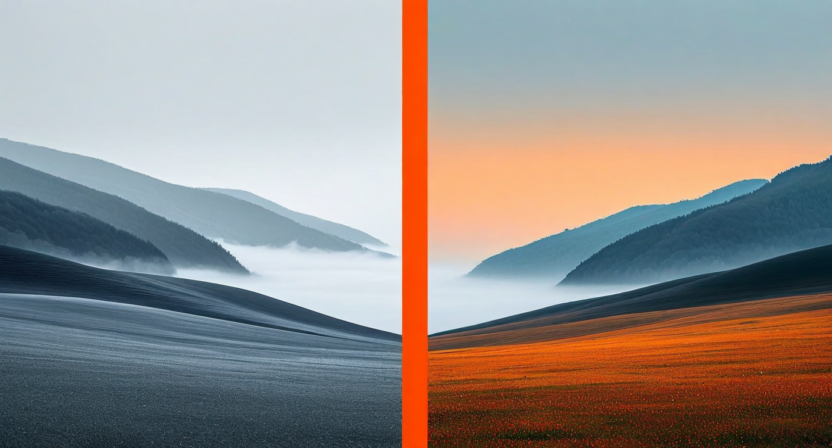
How AI Color Grading Saved Our Photographers 12 Hours a Week
A commercial photography studio cut post-production time in half using Quickture's AI color pipeline. The real-world numbers behind a 6-month trial.

5 AI Video Editing Tricks Professional Editors Swear By
Professional video editors have quietly been using these five AI-assisted techniques to speed up their workflow while maintaining creative control over their final cuts.
Batch Processing 500 Photos Without Losing Quality
Editing 500 photos with consistent quality used to take days. Here's the exact batch processing workflow that cuts that to under two hours — without touching each image manually.
AI Skin Retouching: Natural Results Every Time
The most common complaint about AI retouching is over-processing. This tutorial shows you how to configure Quickture's skin smoothing for results that look like natural, not filtered.
Background Removal That Preserves Fine Detail
Removing backgrounds from portraits with flyaway hair, transparent fabrics, or complex edges is where most AI tools fail. Here's how Quickture handles the hard cases.
Video Color Grading for Social Media: Platform-Specific Techniques
Each social platform compresses and renders video differently. This deep dive covers the color grading adjustments that survive Instagram, TikTok, and YouTube's processing pipelines.
From RAW to Publish in 20 Minutes: The Speed Editing Workflow
Twenty minutes from camera card to published post is achievable — with the right workflow. We break down the exact sequence that cuts out every unnecessary step between RAW and ready.
Building a Content Creation Workflow That Scales
Most creators hit a ceiling when they try to scale output without scaling effort. This piece covers the workflow architecture that lets you multiply production without burning out.
The Photographer's Guide to AI Upscaling and Noise Reduction
AI upscaling and noise reduction have matured rapidly. This guide explains how the underlying models work and gives practical settings for portraits, landscapes, and product photography.